TQ Data Foundation Integration Points
TQ Data Foundation’s ability to import and export data gives you some batch-oriented options for using data from other systems as well as providing managed vocabulary data and metadata for use by other systems.
For more dynamic integration with other systems, Data Foundation offers the following options for developers:
Using Data Foundation GraphQL Endpoint – Data Foundation’s GraphQL service supports all standard features of GraphQL, providing access to data stored in Data Foundation asset collections. Read and update access is available. See GraphQL.
Using Data Foundation SPARQL Endpoint – to query data and, optionally, to update data.
Web Services - Integrate by using either pre-built standardized RPC web services provided with Data Foundation or by using your own services developed with Data Foundation technologies. See Extension Development for creating your own extensions.
MCP Server – Allows AI assistants access to data stored in Data Foundation. See MCP Server.
Note
Access to API endpoints and web services requires authentication with one of the Authentication Methods enabled for the Data Foundation instance. Authenticated users will only be able to access asset collections they have access rights for, and to make updates to asset collections they have rights to perform updates for.
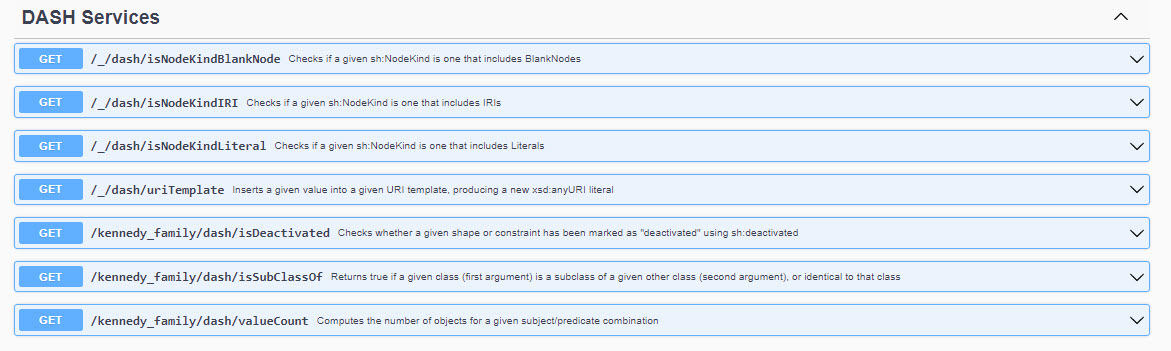
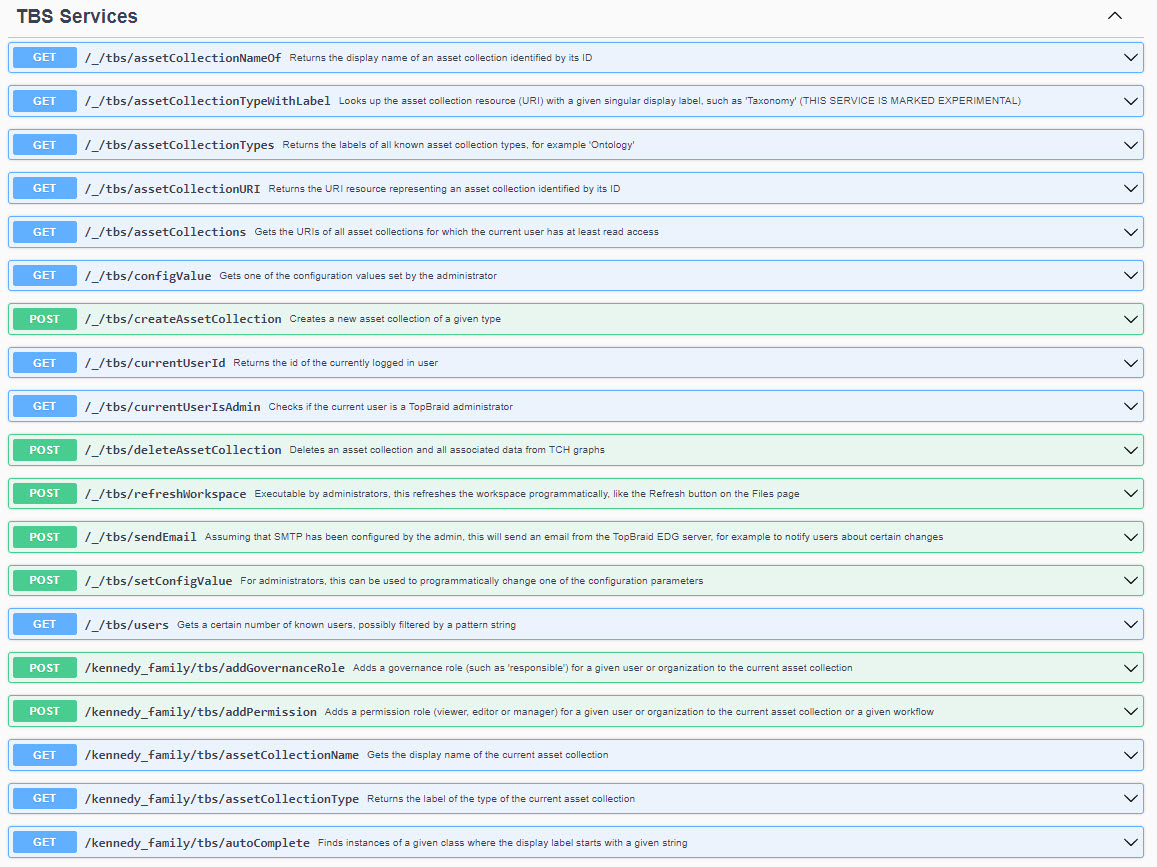
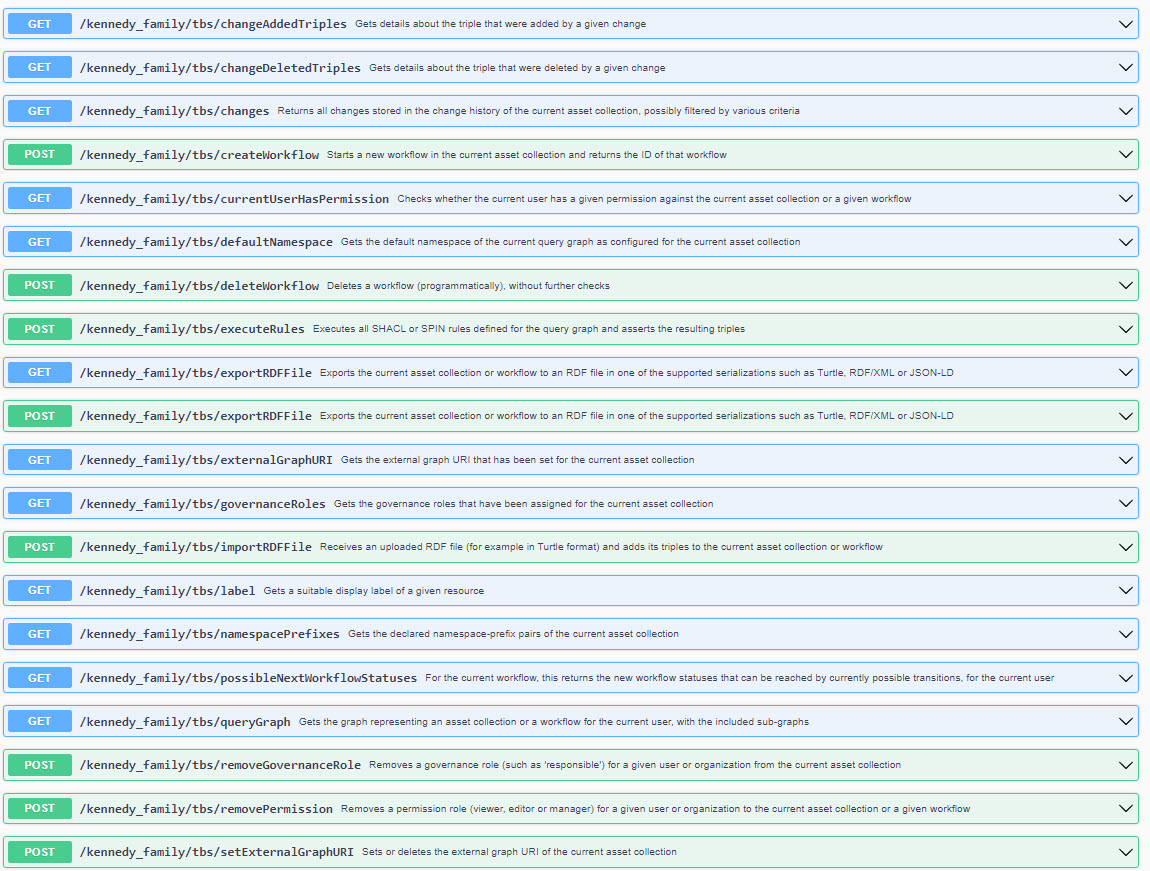
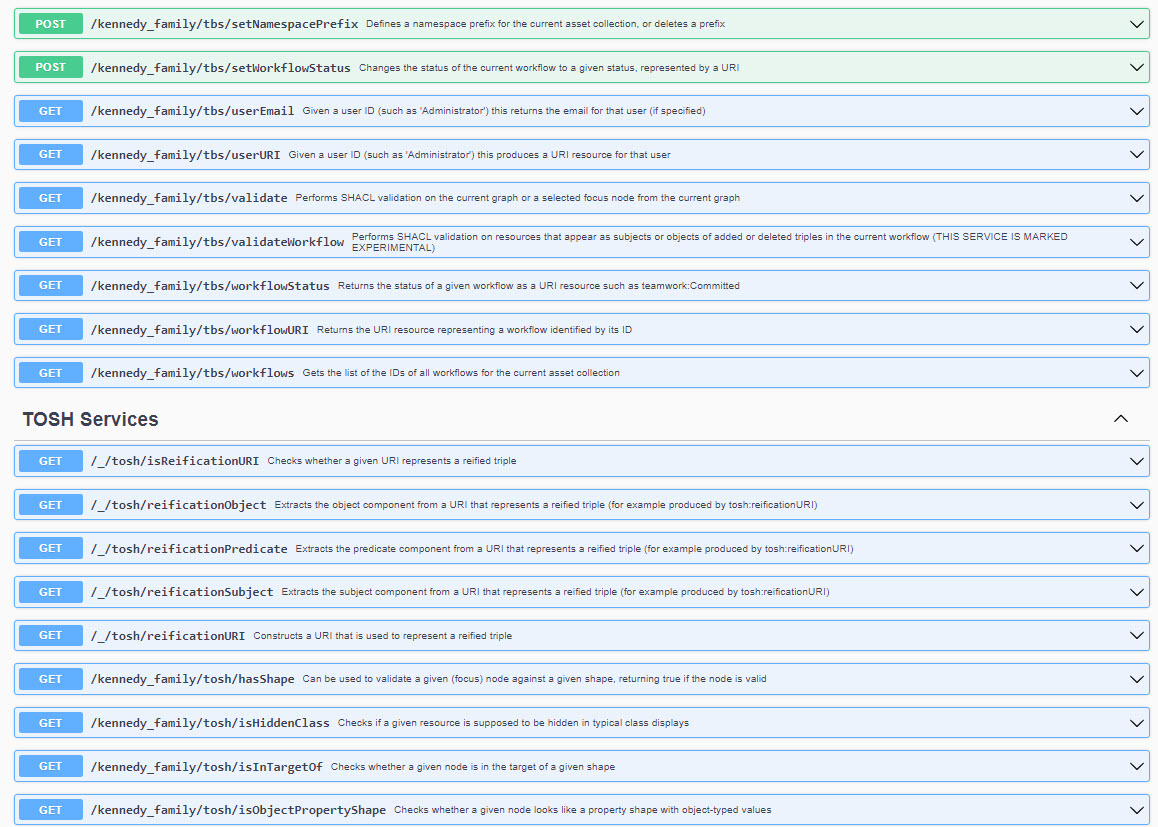
Pre-built services are available in Data Foundation by navigating to a collection, then Reports Tab > Web Services. Here you can view the Swagger UI to explore and test the known web services.
The following is a sample of a Data Graph collection’s Swagger UI page in Data Foundation: